AI Detector Review: Detector.io’s Turnitin-Style Checks
See how Detector.io mirrors Turnitin-style reporting with highlights, limits, and practical use cases, plus what you get from a free AI detector scan.
Writing has changed fast in education. In HEPI’s 2025 survey, 88% of students reported using generative AI for assessments, which means AI-shaped phrasing can creep into essays even after human editing.
If you have ever opened a draft and thought, “This is fine, yet it feels weirdly smooth,” you are describing the moment a college AI detector becomes useful. The goal is to spot sections that read like templates and decide what you want to do before someone else runs a scan.
Turnitin is still the name that comes up when someone wants a serious, education-focused check on writing. The problem is access, since most people only see it through a school account or an institutional dashboard. That is why standalone tools like Detector.io have become popular: you can run an AI detector in a minute, get a score, and see which lines triggered the result. It is basically a lightweight version of the same experience, built for quick self-checks before you submit or review anything.
What You Get With Detector.io, In Plain Terms
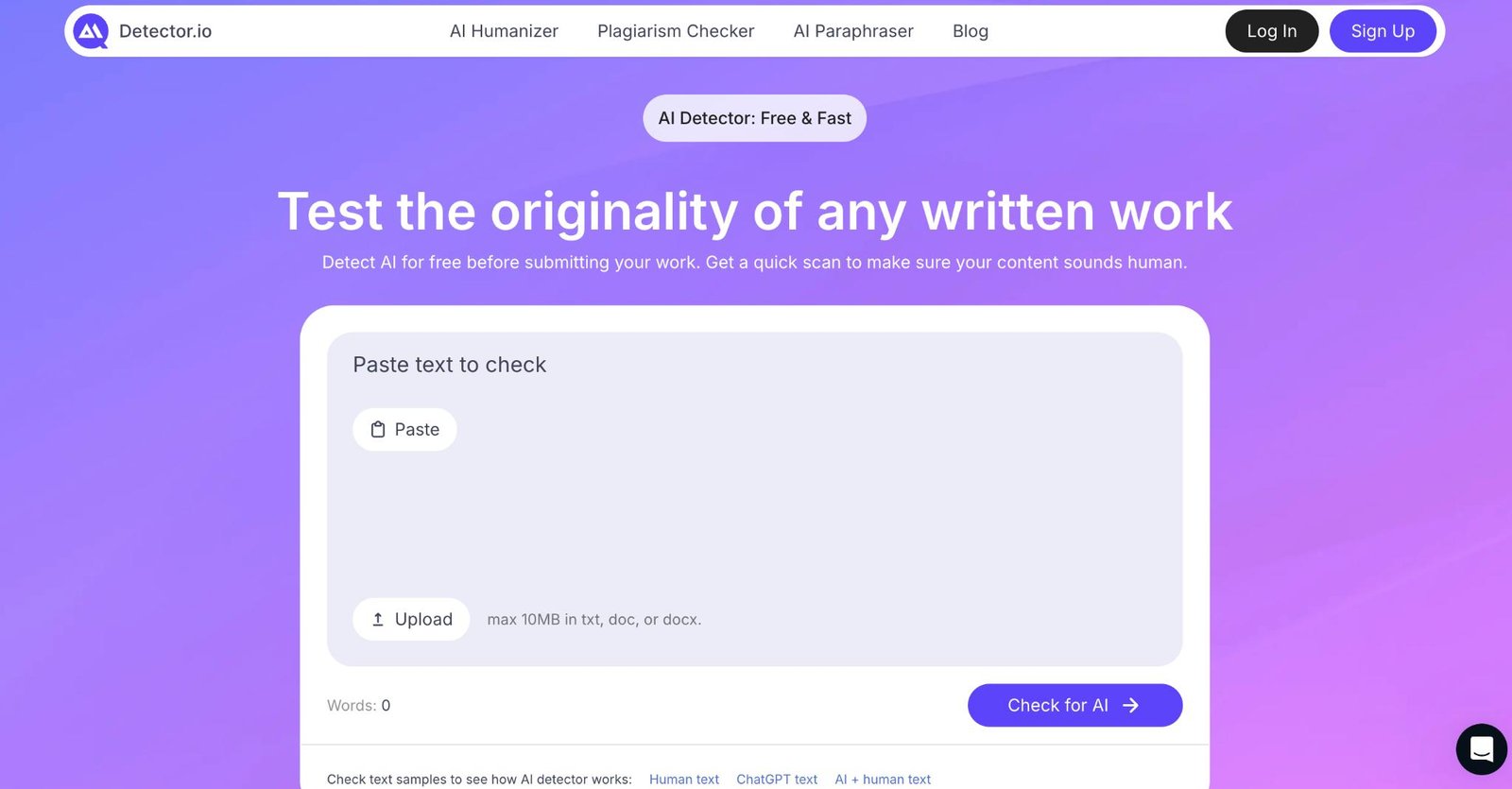
Detector.io is a browser-based checker focused on AI-like patterns. The site says it analyzes sentence structure, word distribution, repetition, and predictability, then compares your text to human and machine samples to estimate likelihood.
That lightweight design is the appeal. You paste text, scan, then inspect highlights. For busy editors, creators, and students, that is enough to decide whether a draft needs more voice, more detail, or a different cadence. Еhis is why people call it the best AI detector for quick triage. It does not require a login for basic use, and the output is actionable because you can see the flagged lines.
It also stays practical with the extras around the scan. You get passage highlighting instead of a vague score, a 3,000-word cap per check for longer drafts, and an optional “extra support” route if you want a professional editor to polish flagged sections. The site also points you toward companion tools like a plagiarism checker, humanizer, and paraphraser, which help when you are refining a draft and want everything in one place.
Turnitin-style checking is less about mystery and more about signals plus presentation. A useful checker measures how predictable the writing looks, then shows where that predictability lives. The analysis of Turnitin points to metrics often discussed in this space, including perplexity, burstiness, and continuity, along with sentence-level highlighting that guides human review.
Detector.io follows the same “show me the risky lines” idea. It produces a score and highlights passages it believes are AI-generated, so you are not stuck guessing why a paragraph triggered the result.
What makes Detector.io feel Turnitin-adjacent in practice:
- Highlighted passages you can review line by line
- A fast scan you can run without setup
- A simple loop: scan, review, adjust, scan again
Is Detector.io an AI Detector Free Online Option?
Yes, with a clear cap. Detector.io says you can scan up to 3,000 words per check without logging in or paying. For longer documents, scan in chunks.
It also points users to companion utilities like a plagiarism checker, which is useful when your writing pulls from sources or starts sounding too “web-like.”
When You Need a College AI Detector
The obvious use case is coursework, yet the core issue is broader: predictable writing gets questioned. If you are using this as an AI detector, you should keep your expectations realistic and interpret the highlights first.
Turnitin’s own published figures show how common AI signals have become. As of March 2024, Turnitin had processed more than 200 million documents, with about 11% indicating a probability of more than 20% AI writing, and about 3% suggesting up to 80% AI writing. Those figures are not proof of authorship. They show why scanning is now routine.
This is also where false positives matter. Formal academic tone can look uniform, and uniformity is exactly what detectors watch for.
How to Read Detector Results Without Overreacting
A detector score becomes useful when you treat it as a map. Your job is to interpret what the tool points at, then decide whether the writing truly feels machine-shaped.
When you want to detect AI writing, focus on the highlighted passages first. Look for repeated sentence shapes, generic transitions, and safe verbs that feel like “report language.” Detector.io’s value is that it directs your attention to the exact lines that triggered the signal.
If you are judging whether a tool is the most accurate AI detector, ask a simpler question: Does it flag the lines you also feel are too smooth? In my experience, Detector.io tends to do well on clearly templated blocks.